Delete Account
Delete Your Account
You can delete your Homesberg account directly from the mobile app. This action is irreversible, so make sure you want to proceed.
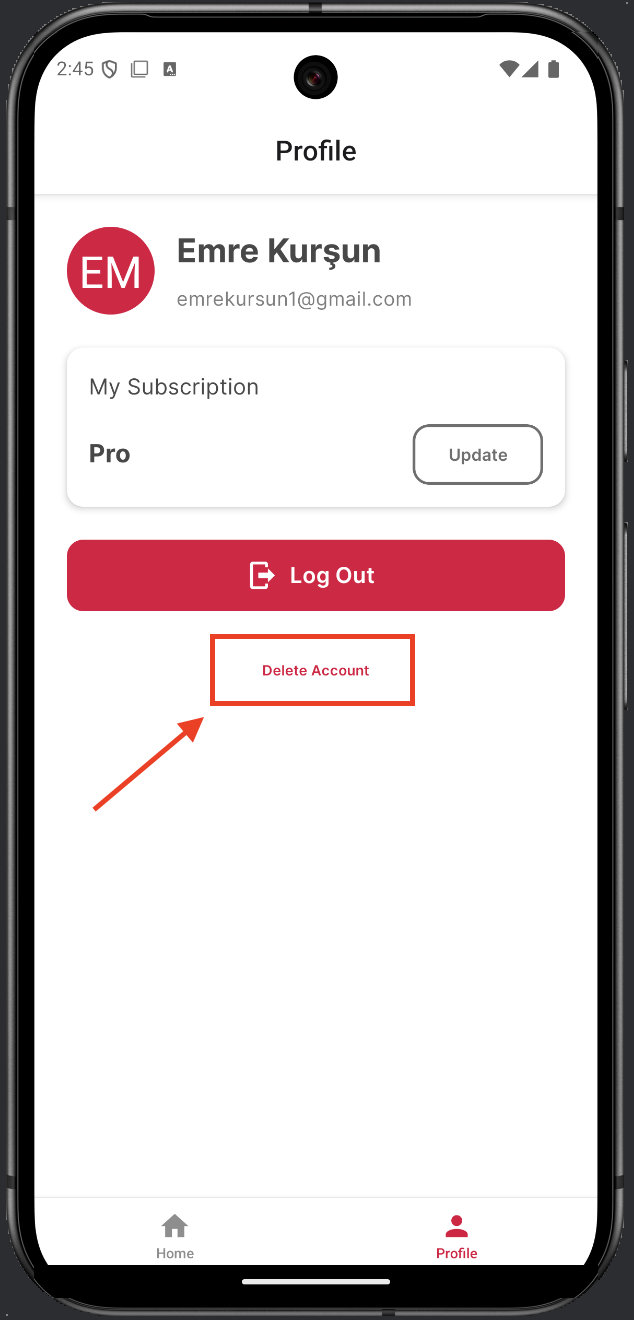
- Open the Homesberg app and sign in.
- Tap Profile in the bottom navigation bar.
- Scroll to the bottom of the Profile screen and tap Delete Account.
- Confirm the deletion when prompted.
If you cannot access the app, contact us from the contact page using the email address registered to your account and we will process the deletion request.